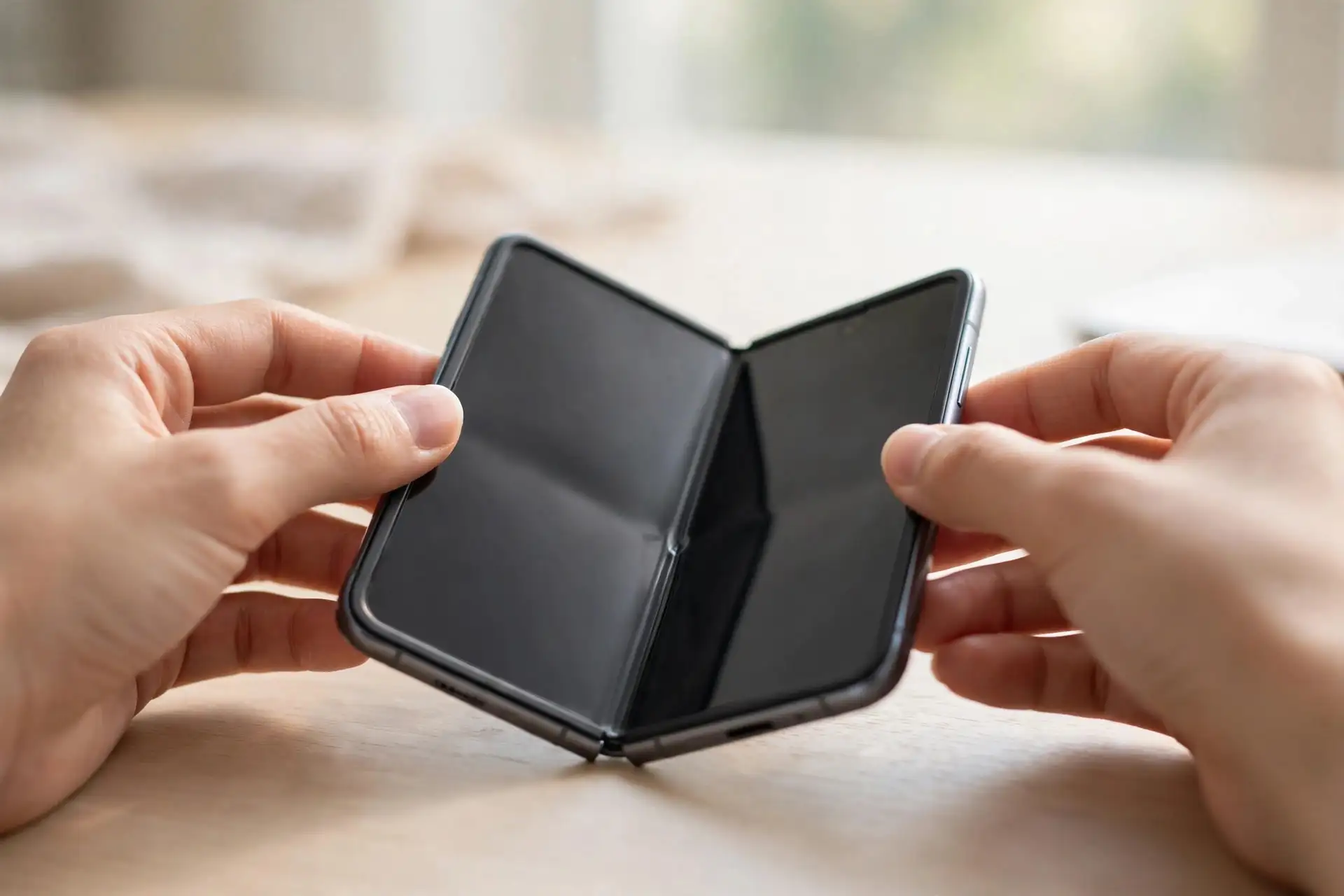
Apple has confirmed that a small number of iPhone Duo inner displays are failing, and it is replacing affected phones through AppleCare. The useful detail buried in the owner reports is that these failures are not random. They tend to happen early, often within the first days of use, and owners frequently describe warning signs in the hours before the screen gives up. If you bought a Duo at launch, or yours is still on its way, this is the check to run and the playbook to follow.
The warning signs owners report before a crack
- New resistance at the hinge. The phone feels stiffer to open than it did out of the box, or the resistance changes partway through the fold.
- Sounds that were not there before. Popping, clicking or crunching from the hinge area while opening or closing. Several owners who later found cracks describe hearing the failure happen.
- A bright line from the crease. A thin line of lit pixels running from the centre fold toward one side of the inner display is the most common visible symptom, sometimes described as an L-shaped mark.
- Discolouration or dead patches along the fold. Anything that follows the crease line deserves attention, even if the surface feels smooth. Owners stress that the damage sits underneath: the surface can look pristine while the panel below has failed.
The two-minute crease check
- Open the Duo slowly on a clean, soft surface, in bright light. Stop if you feel new resistance or hear anything from the hinge.
- Show a plain white image full screen and look along the crease at a shallow angle. Then switch to a plain black image. Bright stuck pixels show up on black; hairline cracks and discolouration show up on white.
- Run a fingertip very lightly beside the crease, not on it. You are feeling for anything raised or gritty near the fold, not pressing the panel.
- Open and close five more times, slowly. Any change in sound, stiffness or the picture is a result worth acting on.
Do not keep folding a phone that is showing symptoms just to check it again. Every extra cycle is more stress on a panel that may already be failing.
If yours cracks: the replacement steps
- Stop opening it. Photograph the damage with another phone, including the crease, the outer shell and the hinge. Note when you bought it and roughly how many times you have opened it.
- Back up now, while the screen still responds, to iCloud or a computer.
- Contact AppleCare through the Apple Support app, by phone, or in an Apple Store, and use Apple’s own words: the company has said it is “aware of an issue impacting the inner display on a small number of iPhone Duo units” and that affected users “should contact AppleCare for a replacement”.
- You do not need AppleCare+ for this. 9to5Mac confirms a separate plan is not required for a replacement tied to this issue. Ask for a replacement rather than a repair, and get a case number and the expected wait in writing.
If you are told it was a drop, push back once, politely
Some carrier buyers have been told their crack looks like drop damage and quoted a repair instead, according to 9to5Mac. If that happens, ask for the case to be reviewed against Apple’s October 26 statement, and point to your photos showing no external damage. An inner display repair is listed at $999 out of warranty, so the difference between “defect” and “drop” is worth half the price of the phone. Launch buyers who ordered on October 23 are also still inside Apple’s 14-day return window, which runs to November 6, so a refund and a fresh order is a legitimate fallback if a replacement cannot be sourced.
Expect stock to be the slow part. Duo supply is tight enough that new pre-orders have slipped to late January, and replacement units draw from the same pool. Same-day swaps have happened, but they are not guaranteed.
Should you buy AppleCare+ now?
The maths is simple. AppleCare+ for the Duo costs $199.99 a year or $399 paid up front, and it cuts an inner display repair to $99. Without it, a screen that Apple decides is accidental damage costs $999, the figure we flagged in our launch-day breakdown of Duo repair pricing. The acknowledged defect should be replaced regardless of any plan, but if you intend to keep the phone for years, the plan is cheap insurance against every crack that is not this one.
How to spot the AI-generated crack photos
Some of the most-shared Duo crack images are fake. MacRumors and CNBC have both flagged AI-generated photos mixed in with genuine reports, and amplifying them helps nobody, including owners with real failures. Before you share a photo or panic over one, check four things:
- The crease geometry. Generated images often get the fold wrong: cracks crossing the hinge at impossible angles, or a crease that bends the wrong way.
- Reflections and text. Look for smeared reflections, garbled on-screen text, and app icons that dissolve at the edges.
- No context. Real owners post receipts, store photos and follow-ups. A single dramatic image from an account with no history is a weak source.
- Reverse image search. Thirty seconds will often find the same “crack” recycled from an earlier foldable launch.
For what Apple has confirmed, what it still has not explained, and the supplier dispute now running in parallel, read our news report on Apple’s replacement offer and the unanswered cause. Our earlier launch-week roundup of owner reports covers the first documented cases, including the Australian phone that failed in under 20 openings.