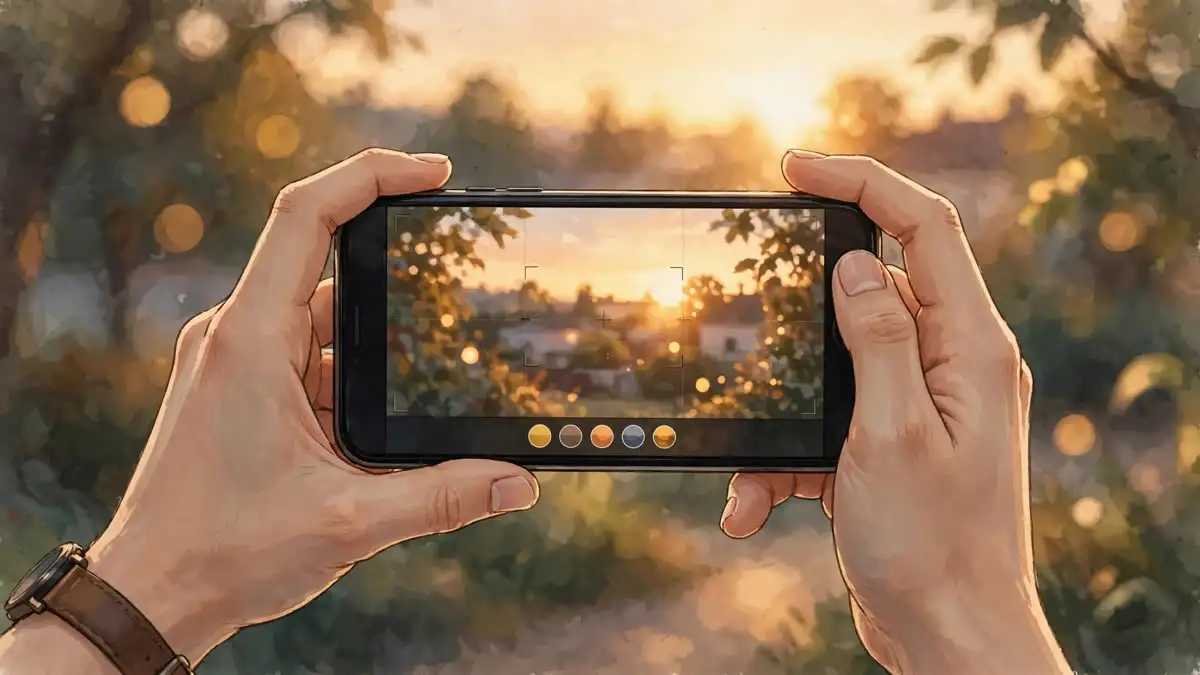
For a decade, Google has decided how your Pixel photos should look, and you have lived with the decision. The Pixel 11 changes that. Camera Looks, the headline camera feature of this week’s launch, lets you pick “the exact aesthetic” of your photos before you press the shutter, instead of accepting whatever Google’s processing pipeline produces afterward.
It sounds like a filter drawer. It is not, or at least not only that. The distinction matters, because it determines whether Camera Looks is a genuine shift in how Pixel photography works or just a nicer name for post-processing presets.
A two-tier system: default looks and styles
Camera Looks is organized in two layers. The first layer changes the Default Look, which is Google’s name for the baseline processing applied to every photo. There are four options:
- Original: Google’s standard HDR+ computational look, untouched.
- Natural: dials back the computation for more authentic tones and colors, with restrained saturation.
- Shadows: deeper contrast and cinematic blacks for a moodier image.
- Vanilla: a warmer color temperature with a golden, film-like glow.
The second layer adds six customizable styles on top: Editorial (Kodachrome-inspired magazine color), Velvet (high-saturation landscape tones in the spirit of Fuji Velvia), Classic (a Kodak Portra-style analog look), Digi (early-2000s compact digital camera punch), Black Tie (the only monochrome option, fine-grain and high contrast), and Minimal (clean, desaturated Scandinavian tones). Every style is adjustable with sliders, and any combination of a default look and a style can be saved as your personal default.
The important technical detail, confirmed by Android Authority’s testing, is that Camera Looks changes how the image is processed before capture, not after. That makes it a different workflow from applying a filter to a finished photo: the look is baked into the image Google’s pipeline assembles.
Playing catch-up, or pulling ahead
How-To Geek puts Camera Looks alongside Apple’s Photographic Styles and Samsung’s tone controls, which let users bias their cameras toward personal taste. Framed that way, Google is catching up to a feature its rivals have shipped for years.
But there is a case that Google’s version goes further. Apple’s styles are relatively coarse adjustments applied to a fixed pipeline. Camera Looks exposes the pipeline itself: Natural is not a color grade, it is a different amount of computation. That is a lever Apple and Samsung do not offer, and it is the reason the feature is interesting beyond the “finally” reaction.
The honest caveat, raised by GadgetHacks, is that every claim so far comes from Google’s own launch materials, with no independent sample galleries or RAW comparisons to verify how much the pipeline actually changes. PetaPixel’s review of the Pixel 11 Pro Fold found the adjustment sliders sometimes feel restrained, noting that Black Tie starts so high-key that dialing back the highlights slider has a negligible effect. Google has handed users the controls; reviewers have not yet confirmed how much the controls do.
The catch: finding the switch
There is a practical annoyance worth knowing before you buy. When you first set up the Pixel 11’s camera, Google walks you through Camera Looks and lets you pick a favorite. After that, there is no obvious button on the main camera interface to switch looks quickly, which is a problem if you want Shadows for landscapes and Natural for people in the same afternoon.
The workaround is a viewfinder shortcut hidden in the Camera app’s settings, where you can assign Camera Looks to quick-access slots on the viewfinder for one-tap switching. It takes a minute to set up and it fixes the problem, but a flagship camera feature should not need a treasure hunt to use at speed.
What this means
Camera Looks is the most significant change to Pixel photography in years, not because of any single style, but because of what it concedes. Google’s computational photography has always been a black box: the phone takes a dozen exposures, merges them, and hands you a result. For the first time, the company is letting users into that decision, with a control that operates at the pipeline level rather than the filter level.
Whether that produces less processed, more trustworthy images is still an open question, and it will stay open until independent reviewers put the looks through controlled comparisons. But the direction is right. A camera that asks what you want is better than one that assumes.
The Pixel 11 starts at Rs 89,999 in India, with Flipkart’s Big Billion Days sale bringing the effective price down to Rs 69,999, alongside discounts across the Pixel 11 Pro line. If you are deciding between flagships this fall, Samsung’s Galaxy S26 is also in the mix with stable One UI 9 now rolling out on Android 17.