
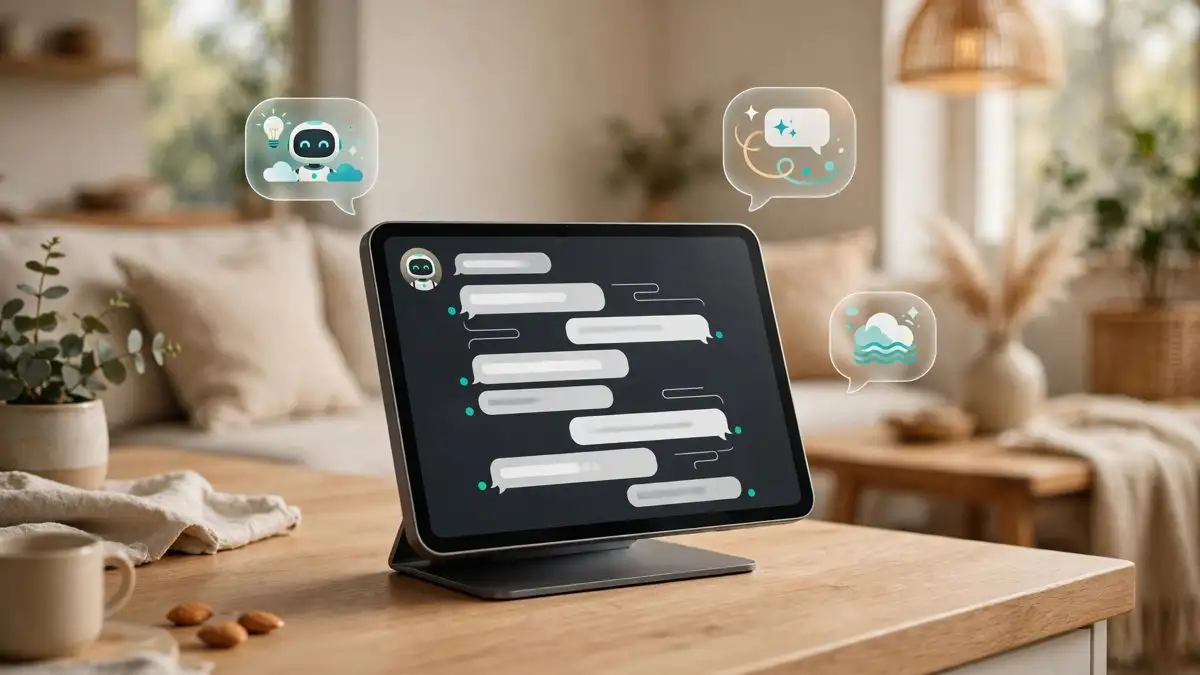
Apple’s HomeView smart home hub does not ship until November 13, and it already looks like it will do more than Apple announced. Code discovered in the iOS 27.3 beta, reported on November 5, suggests the $299 display is being prepared to run third-party AI chatbot apps such as ChatGPT and Claude, streamed from the owner’s iPhone. If that ships, it would be the first new app category on a device that was introduced with no App Store at all.
The finding comes from pdfu, a code investigator who has been picking through Apple’s pre-release software for weeks. The chatbot category is, in pdfu’s own words, “still not fully wired up”, so this is a leak about a feature in progress, not an announcement. But the pieces around it, a second code find about security cameras, a launch one week away, and a Siri that is itself changing fast, make it worth taking seriously.
Conversational Apps, found in the iOS 27.3 beta
HomeView has no apps of its own. Third-party apps live on your iPhone and appear on the hub’s screen, in the same way CarPlay shows iPhone apps on a car display. The bridge that makes that work is called PebblePlay, and in the iOS 27.3 beta it gained a new category: “Conversational Apps”.
That is the category Apple would use for chatbots. Apple’s own HomeView page currently names only “compatible third-party audio and video apps”, so chatbots would be the first category beyond those two, and the first that turns the hub into something you talk to rather than something you watch or listen to.
pdfu first pointed to an unused flag for such apps on November 1, with a test app showing Claude running in a CarPlay voice screen on HomeView’s software. The November 5 finding goes further: the category now exists in the beta, which suggests the work moved from an experiment to something Apple is actively building. What the code does not show is which apps will use the category, or when the feature will launch, and Apple has announced nothing.
Anti-spoofing protection is already in the shipping software
A second find from pdfu is not a maybe, it is already live. HomeView Software 27.2, released on October 30, includes anti-spoofing protection for the hub’s personal profiles. After three spoof attempts on a profile, the user must authenticate with an iPhone to see personal data. That matters because HomeView recognises up to six people in a household and gives each of them a personalised home screen, calendar and messages. A shared screen in a hallway is only useful if it knows who is standing in front of it, and the spoof check is the part that makes that recognition trustworthy.
The same trawl through the 27.2 software turned up strings for a security camera mode, reported on November 2, with four settings: Off, Detect Activity, Stream, and Stream and Allow Recording. Recording would plug into HomeKit Secure Video, which needs a paid iCloud+ plan, and footage would be reviewable for the previous 10 days. Like the chatbot category, the camera mode is unconfirmed and may never ship as described, but the pattern is consistent: Apple is building more into this hub than the launch announcement described.
What HomeView is, one week before launch
HomeView is Apple’s first dedicated smart home display: a 7-inch Liquid Retina touchscreen with an A18 chip and a built-in speaker, sold in tabletop and wall-mounted versions for $299. It runs Siri AI, recognises up to six voices and faces, handles FaceTime calls and music, and controls HomeKit accessories. It is not sold in the European Union, because Siri AI is currently unavailable on iPhone there.
For a sense of what your iPhone needs to do to drive it, our compatibility guide from October lists which models work and what each one unlocks. The short version is that any iPhone on iOS 27.2 can set it up, but personal Siri AI needs an iPhone 15 Pro or newer.
The context around the launch has moved quickly in the last few days. Apple opened Siri AI to every app developer on November 3, and the iOS 27.3 public beta arrived on November 5, the same build that carries the chatbot code. HomeView is the device all of that software lands on first.
Should you wait for chatbot apps before buying?
Probably not, but know what you are buying. HomeView at launch is a Siri AI display with audio and video apps mirrored from your phone, and that is all Apple has promised. Chatbot support is code in a beta, not a feature on a box, and Apple has given no date. It could arrive with iOS 27.3 in December, or months later, or never.
What the code does tell you is the direction. Apple chose a hub with no App Store and then built a bridge for iPhone apps to appear on it, and the first new category on that bridge is for conversational AI. If you already live in ChatGPT or Claude, the $299 question is not whether the hub works today, but whether Apple will let your chatbot of choice onto its kitchen counter. The code says it is working on exactly that, and we will know more when iOS 27.3 leaves beta.
Sources: MacRumors, November 5, 2026; 9to5Mac; Appdook, November 5, 2026; Apple HomeView product page.