
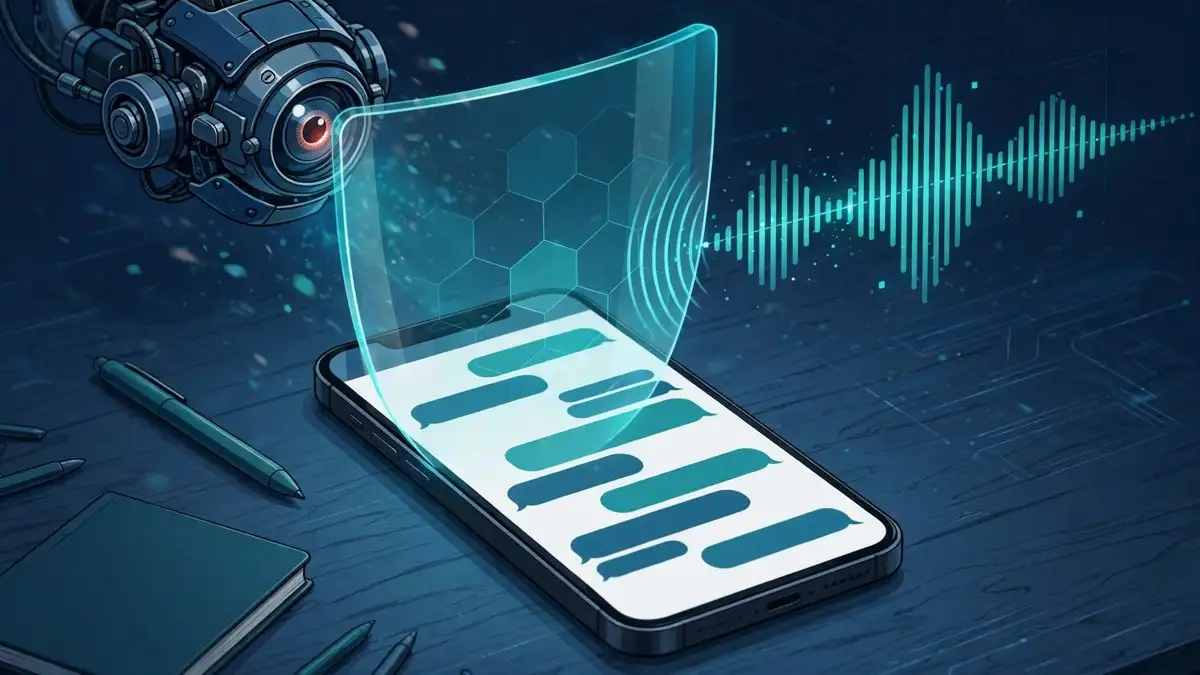
Signal has drawn a line between your private messages and the AI built into your phone. The encrypted messaging app now blocks screenshots inside its iOS and Android apps by default, a move aimed squarely at operating system assistants like Siri AI and Google Gemini that read whatever is on your screen.
The change was announced on November 20 by Signal president Meredith Whittaker, in a blog post titled “Signal is Serious About Protecting Your Privacy”. It arrives days after a Reuters report showed how easily an AI agent could get at Signal messages without ever being connected to the app.
What Signal changed on iPhone and Android
On iPhones running iOS 27, Signal version 8.37 or later blocks screenshots, screen recordings, and AI screen reading inside the app. A new toggle, called “Block Siri AI”, sits under Settings, Privacy, App Security, and it is on by default. If you need a screenshot, you can switch the protection off for 10 minutes, or permanently, but Signal warns that doing so exposes your messages, and your contacts’ messages, to the same agents it is trying to keep out.
On Android, Signal 8.35.1 or later takes a different route. Its existing Screen security setting now switches on automatically when the app detects an AI assistant trying to read the screen. Signal says it chose detection over blocking every screenshot because, across the many versions of Android beyond Google’s own, there is no reliable way to detect a screenshot attempt if screenshots are already disabled. Windows 11 users have had the same protection since May 2025, when Signal blocked Microsoft’s Recall feature from capturing chats.
Mac users get nothing for now. Signal says there is no dependable way to stop screenshots on macOS, because Apple’s screen protection options cover only streaming and copy protected media. Its advice is to add Signal to the Excluded Apps list under System Settings, Siri, which keeps Siri from accessing the app.
Why a screenshot block is a privacy fix at all
The reason is simple, and it is the part of the story most people miss. End-to-end encryption protects a message while it travels between phones, but it cannot stop another app from reading the message once it is visible on the recipient’s screen. OS level AI agents work by scanning what is on screen, running optical character recognition over it, and feeding the text to the assistant so it can answer questions and carry out tasks.
That is exactly what Siri AI’s onscreen awareness and Gemini’s screen features do. When you ask your phone’s assistant a question, it may read the app in front of you to find the answer, including Signal. Whittaker compared the situation to Microsoft Recall, the Windows feature that photographed everything on screen, which Signal blocked last year.
The Meta Muse incident that forced the issue
Two days before Signal’s announcement, Reuters reported that Meta’s Muse agent had read Signal messages it was never connected to. The agent, which has passed 10 million downloads since its September launch, got in through routes a screenshot block does not touch. On Android it read message text from push notifications, a permission switched on by default during setup. On macOS it used accessibility and screenshot tools, the same ones Apple built so people with disabilities can operate their machines. On iPhone, the same requests were blocked.
Signal’s post refers to third party agents “like Meta’s Muse” using accessibility permissions as a skeleton key. That framing matters, because it is also an admission. The new block closes the screenshot door. It does nothing about an agent that reaches content already stored on the device through the file system, or through notifications. Signal says so itself: “Our remedy is also incomplete.”
What Signal is asking Apple, Google, and Microsoft to do
Signal is not pretending a toggle inside its own app settles the question. It has asked the three platform makers for a documented way for any app to opt out of AI access to its screen, files, notifications, and other system features, without breaking how the app works. It also wants the platforms to document clearly how their agents access and process app data, something it says none of them do today.
The request is pointed. Apple presents itself as a privacy ally, yet Signal found it necessary to block Siri from its own app. Google offers no equivalent of Apple’s opt-out at all, which is why Signal’s Android protection relies on detecting the assistant instead. And on macOS, Signal says no reliable block exists, so the platform itself has to provide one.
What to do on your phone
If you use Signal on iPhone, leave the default on. Check it under Settings, Privacy, App Security, where the Block Siri AI toggle should already be enabled if you are on Signal 8.37 or later. You can also open Settings, Siri, and add Signal to the Excluded Apps list for a second layer.
On Android, make sure you are on Signal 8.35.1 or later, and leave Screen security to activate on its own when an assistant tries to read the screen. On Mac, add Signal to Siri’s Excluded Apps list, and remember that no screenshot block is in place there at all.
The bigger point is about who controls what your phone’s AI can see. Until the platforms offer a real opt-out, the choice is being made app by app, and Signal has just made its choice clear. The question now is whether the companies that build the operating systems will give every other app the same option, or leave them to build their own walls.
Sources: MacRumors, The Hacker News, The Register. For the wider pattern of AI systems learning from your private data, see our reports on ChatGPT health chats training OpenAI’s models unless you opt out and Gemini splitting chat history from AI training. iOS 27.3 is also reshaping what Siri AI can do, as covered in our iOS 27.3 rundown.