
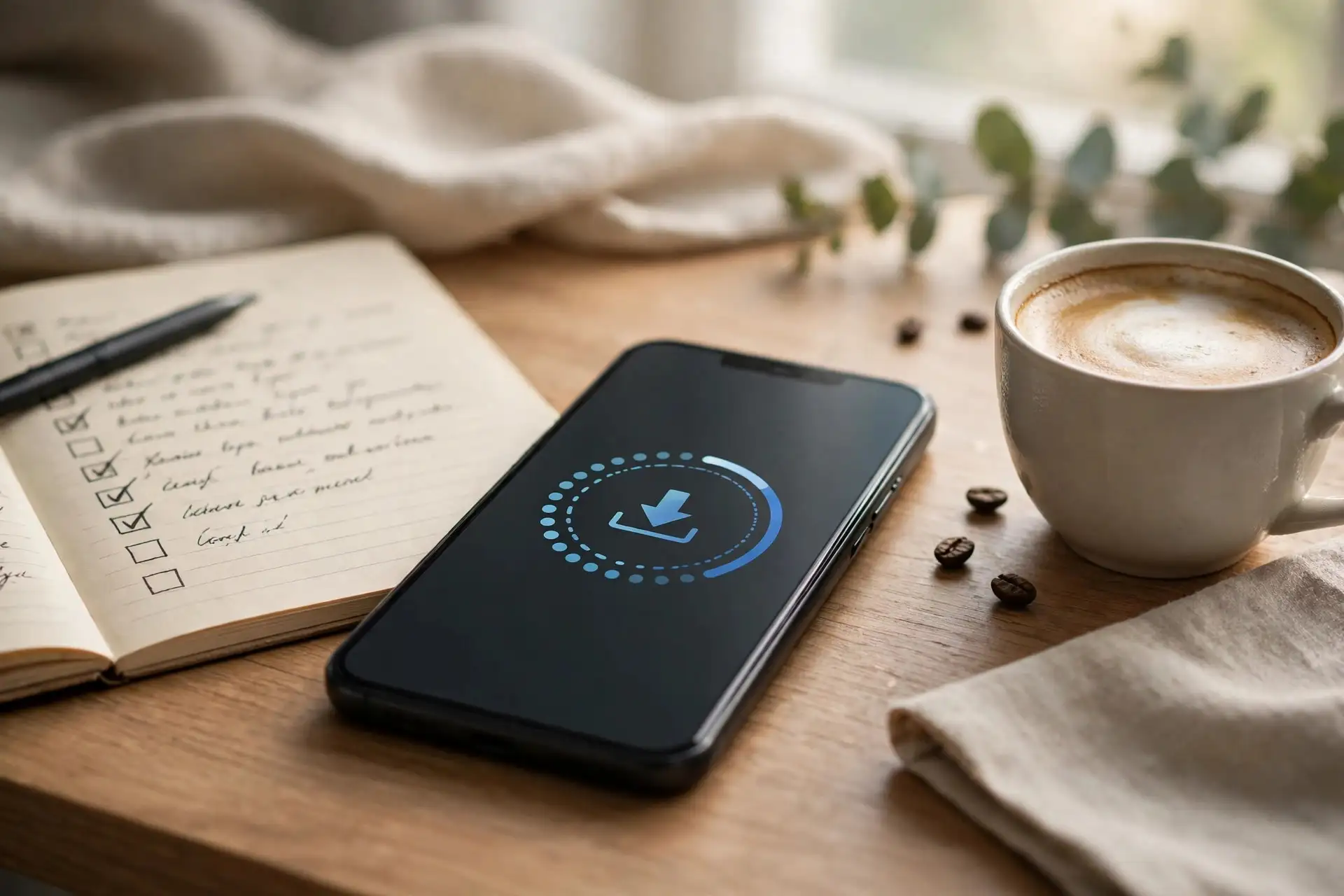
Apple is expected to release iOS 27.2 today, Monday, October 26, and if you own an iPhone, this is the update you have actually been waiting for. It is the first feature update for most iPhones since iOS 27 launched, and it arrives with one confusing twist: millions of iPhones will skip iOS 27.1 entirely. Here is what to do before you tap update, so the install goes smoothly and you do not lose anything you care about.
One caveat first. Apple itself has not confirmed the October 26 date. The expectation comes from the release candidate, build 24B115, which went to developers and public beta testers on October 19, plus Apple’s habit of shipping the public build about a week later. Outlets including Cult of Mac, Geeky Gadgets, and Gadget Review all point to October 26. If the update is not on your phone this morning, nothing is wrong; staged rollouts and a possible slip to October 27 or 28 are both normal.
Why your iPhone is skipping iOS 27.1
iOS 27.1 exists, but only the iPhone Duo can install it. Apple shipped the foldable on October 23 running iOS 27.1, and its security releases page lists that version for the Duo only, with no published security entries. Every other supported iPhone is still on iOS 27.0.1 from September 28. When iOS 27.2 lands, regular iPhones jump straight from 27.0.1 to 27.2, while Duo owners move from 27.1 to 27.2, gaining features like the Apple Pencil support we covered last week. Nobody’s phone is behind; the version numbers just took different paths.
What is actually in iOS 27.2
Six built-in apps get practical upgrades, according to beta reporting. Messages gains Suggested Actions, which surfaces prompts to create a calendar event, a reminder, or a note from what is in your conversation. Group FaceTime calls on iPhone 17 and newer gain Dual Capture, streaming both cameras at once. Apple TV gets user profiles, so each household member keeps separate viewing history and recommendations. Siri AI expands to five new languages, and the Home, Podcasts, and Games apps pick up smaller improvements. Performance and battery refinements round out the release.
One expected feature is missing, and it is worth knowing before you go looking for it. The redesigned Health app appeared in early iOS 27.2 betas but was pulled before the release candidate, so it is not in this update. If a roundup you read still lists it, that roundup is out of date. The same goes for any claim that iOS 27.2 is a small bug-fix release: for everyone outside the Duo, it is the first real feature drop of the iOS 27 cycle, alongside matching iPadOS 27.2, macOS 27.2, watchOS 27.2, and tvOS 27.2 updates.
The 6-step checklist before you install
1. Back up first. Go to Settings, then your name, then iCloud, then iCloud Backup, and tap Back Up Now. If you prefer a computer, connect your iPhone and back up through Finder or iTunes instead. Updates rarely fail, but a backup turns a rare failure from a disaster into an inconvenience.
2. Free up space. Check Settings, then General, then iPhone Storage. If you are nearly full, delete a few large videos or offload unused apps before starting. An update that stalls for lack of space is the most common avoidable install problem.
3. Plug in and connect to Wi-Fi. Start the update with at least half a charge, ideally while plugged in, on a stable Wi-Fi network. A major update over mobile data is slower, and a phone dying mid-install is how updates get interrupted.
4. Check that you are in line. If your iPhone runs iOS 27 or iOS 27.0.1, iOS 27.2 is your next update. Go to Settings, then General, then Software Update to check. If you are on the beta track and already run the 24B115 release candidate, you already have essentially this build.
5. If it does not appear, wait. Apple rolls updates out in waves, and carrier or region timing can delay the prompt by hours. Restarting your phone once is reasonable; repeatedly toggling settings is not. It will arrive.
6. If a jailbreak matters to you, do not update yet. Security researcher Stefan Esser has said most of the vulnerabilities behind Calif’s October 16 iPhone jailbreak demo are fixed in iOS 27.2, and our jailbreak coverage has advised Duo owners to stay on iOS 27.1. Updating closes the door; waiting costs nothing, because you can always install 27.2 later once researchers confirm what survived.
After the install: what to try first
Once you are on iOS 27.2, open Messages and look for Suggested Actions in a conversation that mentions a date or a task, start a group FaceTime call to test Dual Capture if you have an iPhone 17 or newer, and set up Apple TV profiles if you share your phone or tablet with family. Then give the battery a day to settle: new iOS versions re-index data in the background, and judging battery life in the first few hours after an update is reliably misleading.
For the full background, see our iOS 27.2 release candidate breakdown, our jailbreak verdict-day explainer, our iOS 27.1 Duo-only story, and what Apple Pencil support means on the Duo.