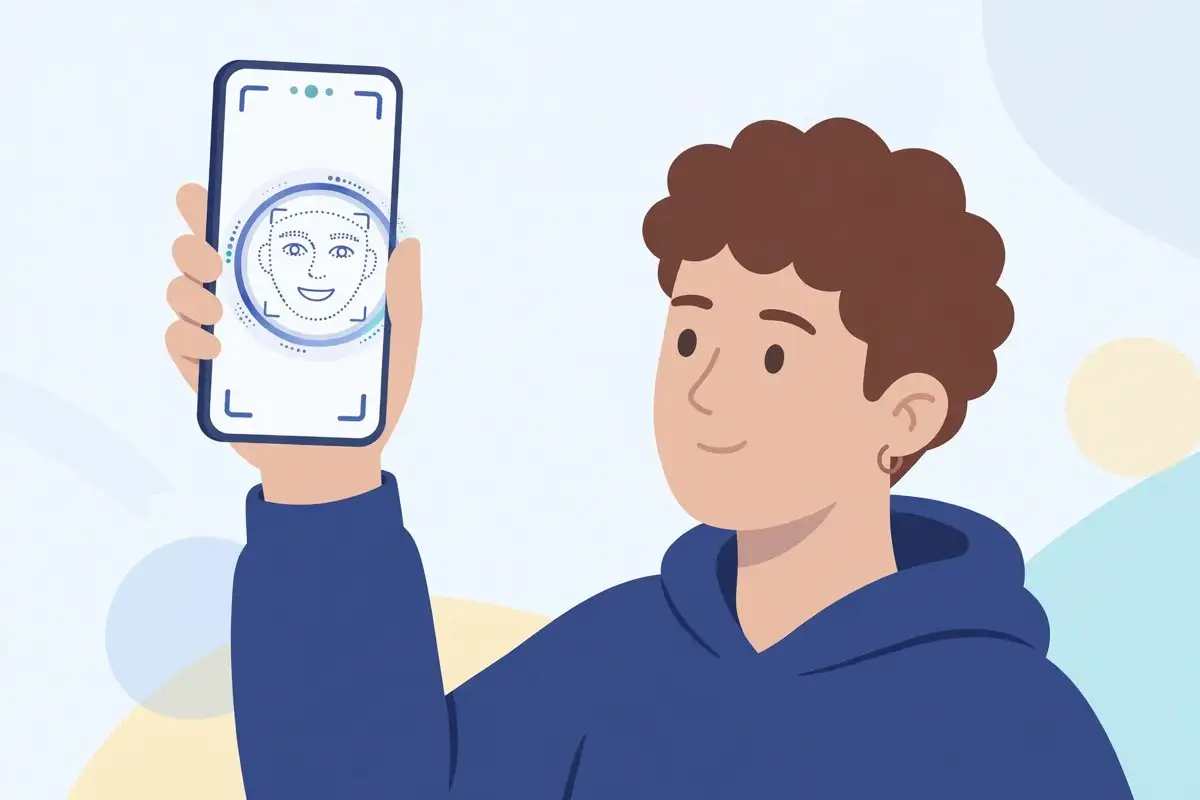
Your next iPhone update may ask you to prove you are an adult by taking a selfie. Not by typing in a birthdate, not by scanning an ID card, and not by entering a credit card number. By turning your head left and right in front of the camera and letting Apple estimate your age from your face.
The feature arrived with iOS 27.2, released on October 26, and it is one of the quietest changes in an update better known for its new Siri AI and its 163 security fixes. Apple describes it in a new support document, and MacRumors and Root-Nation both reported it this week. Here is how it works, what happens to your photo, and what to do when the prompt appears.
What the selfie age check is, and what it is not
Apple’s selfie age verification estimates whether you are an adult. It does not establish your identity, and it does not record your exact age. The system returns an age category, adult or not, which is all an app or a system prompt needs to decide whether age-gated content or settings should be available to you.
That distinction matters. This is not Face ID, which unlocks your phone by matching your face to an enrolled template, and it is not a document scan. Nothing about your name, your address, or your government ID is involved. If you have ever been asked to photograph a driving licence to prove your age online, this is Apple’s attempt to replace that process with something that collects less about you, not more.
How the check works, step by step
When a prompt appears, your iPhone guides you through capturing your face from four directions. Onscreen prompts ask you to turn and tilt your head so the system gets views of your face from several angles, not just a single straight-on photo. The whole capture takes seconds, and it happens inside Apple’s own flow rather than inside a third-party app.
Processing is split between your device and Apple’s Private Cloud Compute system. Apple says the two sets of results are combined locally on your phone, and that neither Apple employees nor Apple’s systems can access the images while they are being processed. After a successful verification, the selfie is deleted, and Apple says it is not stored on any server or on your device in any form.
Once you have confirmed your adult status, Apple says you should not need to do it again. The confirmation sticks to your account, so later prompts for the same purpose should not reappear.
When you will see the prompt
Availability varies by location, because the rules that require age checks differ from country to country. Apple says the prompt may appear when you set up an Apple Account, install a software update, try to access an app rated 18 or older, or adjust certain safety controls. Regional requirements decide which of those triggers apply to you, so two iPhone owners in different countries may have very different experiences with the same update.
The feature is part of iOS 27.2 and iPadOS 27.2, which means it reaches every iPhone that supports iOS 27, from the iPhone 11 series onward. You do not need a new iPhone to see it, though the wider Siri AI features in the same update do require an iPhone 15 Pro or newer, as we noted in our iOS 27.2 launch coverage.
What to do when the prompt appears
First, check that you are running iOS 27.2. Open Settings, then General, then Software Update, and install the update if it is waiting. The age check is not available on older versions, so a prompt on an older build would be a different feature entirely.
When the capture starts, follow the onscreen prompts rather than rushing through them. Face the camera in good light, keep your face inside the frame, and turn your head slowly when asked. The system needs views from four directions, and a hurried capture is the most likely reason for a failed attempt. If the check fails, try again in brighter, even lighting, with sunglasses or heavy shadows removed from your face.
If you are setting up a phone for a child, do not complete an adult verification on their behalf to unlock age-gated content. The check exists to keep age boundaries in place, and working around it defeats the parental controls and safety settings that the same update is designed to support. Use Family Sharing and the Screen Time age settings instead, which are built for exactly this situation.
The privacy question, answered honestly
Any feature that asks for a photo of your face deserves skepticism, and Apple’s design answers the obvious questions well. The image is deleted after a successful check. The processing combines on-device work with Private Cloud Compute, and Apple says the images remain inaccessible to the company during processing. The result is a category, not an identity record.
What Apple has not published, at least in the support material reported so far, is a detailed breakdown of how often the estimate gets it wrong, or what happens step by step if it wrongly classifies an adult as a minor. Those are fair questions, and they are the ones to watch as the feature rolls out more widely. For now, the honest summary is this: the privacy design looks careful, but the accuracy record is unproven in public.
It is also worth keeping this feature separate from another iOS 27.2 addition that sounds similar. The update also brings SynthID markers to AI-generated photos, which is about labeling images, not about verifying people. The selfie check verifies you. SynthID labels pictures. They solve different problems, and confusing them will only muddy an already sensitive topic.
Why Apple is doing this now
Age assurance is becoming a legal requirement in more places, not just a nice-to-have. Regulators in several countries now expect platforms and app stores to keep age-restricted content away from minors, and the old methods, self-declared birthdates and credit card checks, are both easy to evade and heavy on personal data. A face-based estimate that deletes the photo afterward is Apple’s bid for a middle path: harder to fake than a typed birthdate, less intrusive than an ID scan.
Whether regulators and users accept that trade is still an open question, and it will play out country by country as the feature’s availability expands. But the direction of travel is clear. Expect more of your devices, not fewer, to ask for this kind of check, and expect the privacy design, not just the convenience, to be the thing worth judging.
If you have already updated, you can prepare for the prompt before it arrives. Install iOS 27.2, as our Siri AI memory settings guide also recommends for the update’s other features, and know what the capture will ask of you. When it appears, it should take less than a minute, leave no photo behind, and never ask you again.