
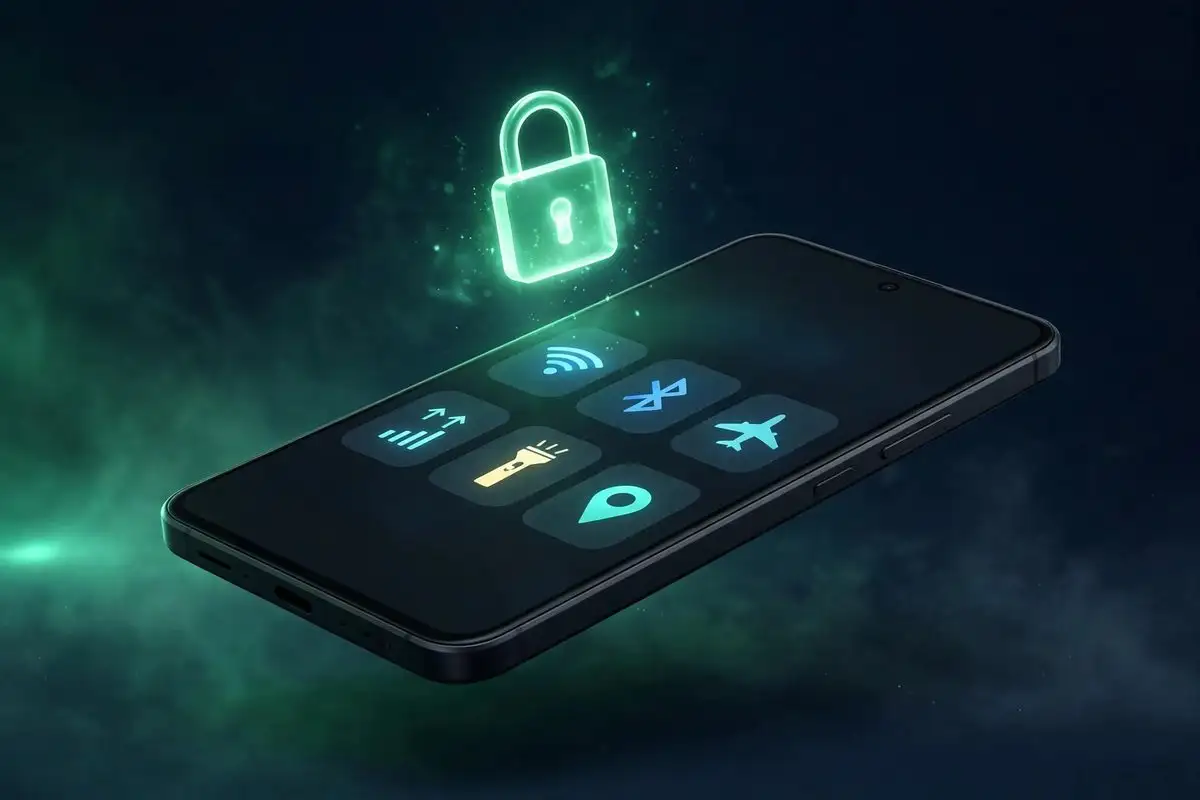
Google pushed Android 17 QPR3 Beta 2 to enrolled Pixel phones and tablets on October 20, and the headline addition is a small toggle with an outsized payoff for phone theft. The update also ships 21 bug fixes that clean up a beta release Google’s most forgiving testers called unusually rough.
The build is DP11.261002.005, with the October 2026 security patch level (2026-10-05) and Google Play services 26.36.33, according to 9to5Google. It reaches 23 devices: Pixel 6a, Pixel 7, Pixel 7 Pro, Pixel 7a, Pixel Tablet, Pixel Fold, the Pixel 8, 8 Pro and 8a, the Pixel 9 line including the 9 Pro Fold and 9a, the Pixel 10 line including the 10 Pro Fold and 10a, and the Pixel 11, 11 Pro, 11 Pro XL and 11 Pro Fold.
Beta 1 of QPR3 earned a reputation for crashes and UI glitches, per Droid Life and Android Headlines. Beta 2 reads as the stabilisation release. But the anti-theft addition is what makes this one worth knowing about even if you never install a beta.
Lock Quick Settings connectivity: the anti-theft toggle
The new setting sits at Settings > Display & touch > Lock screen, and it is called “Lock Quick Settings connectivity.” When enabled, the phone demands an unlock before anyone can flip Wi-Fi, Bluetooth, Airplane mode, or mobile data from the Quick Settings panel on the lock screen.
The reasoning is straightforward. A thief’s first move with a stolen phone is usually to take it offline, most commonly by swiping down and tapping Airplane mode. Once the phone is offline, Find My Device cannot reach it, and the trail goes cold. By requiring authentication for exactly those four connectivity tiles, this setting closes that window without changing anything about how the unlocked phone behaves.
It is the kind of feature that sounds minor until you picture the scenario. A phone snatched on a train platform goes into a pocket. Sixty seconds later it is in airplane mode and unreachable. With this toggle on, that sequence fails at step one: the thief cannot cut connectivity without your PIN, fingerprint, or face unlock.
How to enable it, step by step
- Open Settings.
- Tap Display & touch.
- Tap Lock screen.
- Find “Lock Quick Settings connectivity” and switch it on.
- Optionally, lock the phone and swipe down to confirm the tiles now ask for authentication.
Note that this only affects the lock screen. Once you unlock the phone, Quick Settings works exactly as before. If your phone is stolen while unlocked, this toggle buys nothing, so it is one layer of defence alongside Find My Device, strong lock-screen authentication, and theft detection features, not a replacement for any of them.
Theme packs arrive in Wallpaper & style
The second visible change is cosmetic. The Wallpaper & style screen now shows theme packs in a scrollable carousel, with custom icons, shape effects, animate, and weather effects options. It is Google’s continued push toward more playful personalisation, and a sign the QPR cycle is not purely about plumbing.
21 fixes, grouped by what you will actually notice
QPR3 is the quarterly platform release tracking toward a stable launch around March 2027, so Beta 2’s main job is repair. Google lists 21 bug fixes and improvements. These are the ones most likely to matter day to day, grouped by category.
| Category | Fixed issue |
|---|---|
| Crashes and stability | Devices intermittently crashing and rebooting during normal use; device unexpectedly shutting down during WhatsApp video calls; display turning black and unresponsive after ending a phone call |
| Connectivity | Cellular data, MMS and hotspot failing to connect on Dish Network; Bluetooth pairing failures; high idle battery drain |
| UI and display | Internet Quick Settings tile showing persistent text with mobile data active and no Wi-Fi; Quick Settings tiles not showing properly; system UI, fonts and apps rendering at an abnormally small scale regardless of display size settings; lock screen in-progress notifications overlapping UI elements and causing stuttering panel animations |
| Camera and media | Screen recording freezing and stopping frame capture after screen rotation; media output dialog ignoring the monochrome system theme with external audio devices connected |
| Ecosystem | Paired smartwatches continuing to ring after a call is answered on the phone; Terminal app failing to launch the Linux development environment VM after installation |
The sheer spread of these fixes tells the Beta 1 story: random reboots, misbehaving tiles, and a black screen after calls are not the kind of bugs you tolerate on a daily driver. They are the kind that make people roll back to stable, which is presumably exactly what Beta 2 is trying to prevent before QPR3’s March 2027 stable launch.
How to join the Android Beta Program
If you are not enrolled, the path is simple: visit the Android Beta Program site, sign in with the Google account on your Pixel, and opt in an eligible device. The beta update then arrives as a normal over-the-air download. Two things to know before you tap enrol: beta builds can still contain serious bugs, and leaving the program mid-cycle usually requires a data wipe to get back to stable.
Should you install Beta 2, or wait for March?
Install it if you are already on QPR3 Beta 1 and have been bitten by its bugs. Random reboots and broken tiles are daily-life problems, and Beta 2 is the release meant to fix them. Pixel 11 owners who bought into the newest hardware for the newest software also have the most to gain.
Wait if your Pixel is your daily driver and you need it to just work. Beta 2 is a stabilisation release, not a guarantee: pre-release software can still break things, and the stable QPR3 lands around March 2027, roughly four and a half months away. The anti-theft toggle is genuinely useful, but it is not worth risking a beta on your only phone to get it a few months early.
For context on the other side of the platform fence, Apple’s parallel pre-release update, the iOS 27.2 release candidate, is also in its final testing stretch. And if you want to see how Google is playing in the wider ecosystem, the Google Play Store selling Samsung Galaxy devices story is a good companion read.
The verdict: Beta 2 is the release Beta 1 should have been, plus one genuinely good security idea that will presumably reach everyone in March. If you are a beta tester, update today. Everyone else can mark March 2027 on the calendar and keep their phones boringly, reassuringly stable until then.