
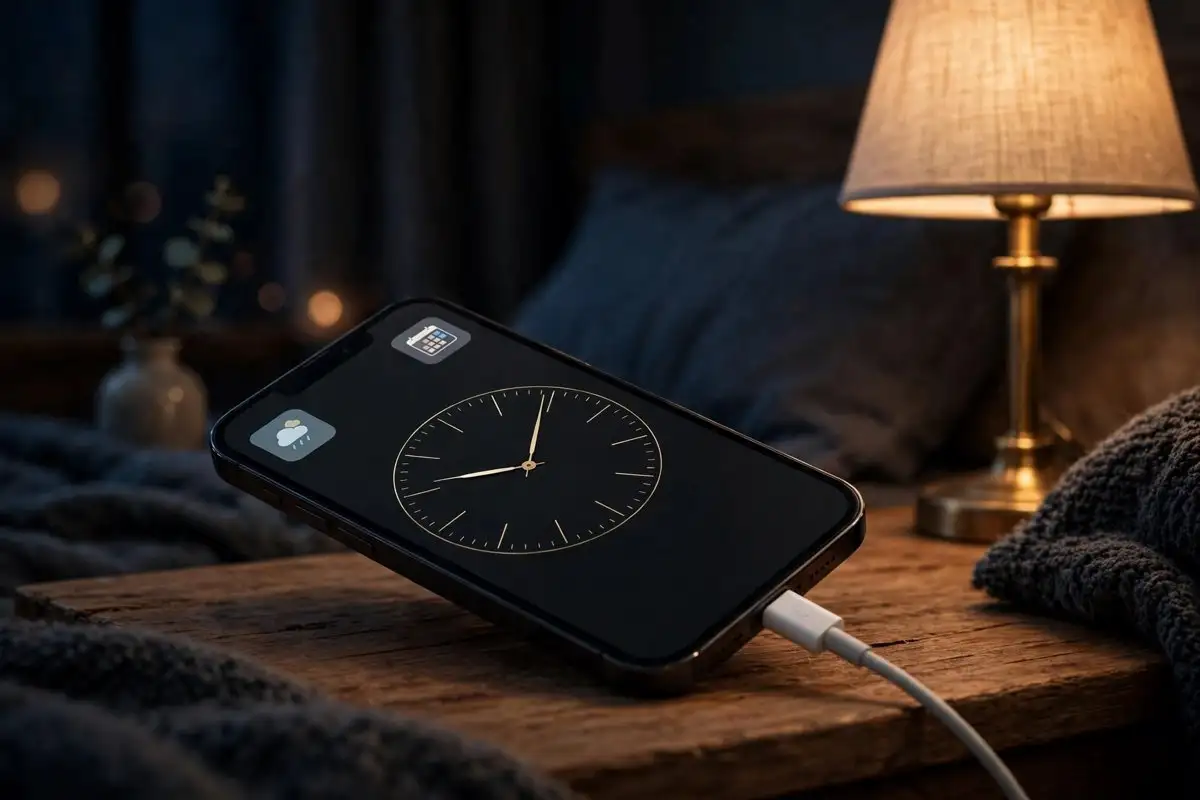
One of the best things about the iPhone Duo is coming to iPhones that are not the Duo. iOS 27.3 brings the Duo’s redesigned StandBy experience to older iPhones, with new clock faces, deeper customization, and more ways to show information without unlocking your phone. The changes arrived in the first public beta on November 5, and they are expected to reach every iPhone back to the iPhone 11 when the stable update ships in December.
StandBy is the full-screen mode your iPhone switches to when it charges on its side. Apple expanded it when it introduced the iPhone Duo in September 2026, and the redesign was one of the foldable’s quieter selling points. In iOS 27.3, the same experience is no longer tied to the newest hardware.
The Duo’s StandBy, without the Duo
The core change is a redesigned StandBy gallery. According to MacRumors’ report on the first developer beta, iOS 27.3 introduces updated Analog and Digital clock faces, new Calendar and Weather options, Shared Albums support, and the ability to create several versions of the same face. That last detail matters more than it sounds: you can keep a minimal clock for the bedroom and a data-heavy one for the desk, and switch between them instead of rebuilding one face every time.
Hands-on testing by iDrop News found seven categories in the redesigned gallery: Photos, Memories, Modular, Weather, Calendar, Digital, and Analog. The range is the point. StandBy stops being a clock with a couple of widgets and becomes a small dashboard you shape around the room the phone sits in.
Shared Albums support is the most personal addition. A StandBy screen can now cycle through a shared album, which turns a charging phone into a family photo frame that updates itself. It is a small feature, and it is the kind of thing people actually notice on a bedside table.
What else is in the iOS 27.3 beta
StandBy is the headline for older iPhones, but it is not the whole update. The first iOS 27.3 beta also brings back the Health app, extends StandBy to older models, and adds a one-handed mode for the Duo. Apple released the first developer beta on November 3 and the public beta on November 5, and the stable release is expected in December. Apple has not announced an exact date.
That timing is worth noting. iOS 27.3 is a feature release, not a security patch, and it follows iOS 27.2.1, which fixed nine security flaws including an iMessage group chat bug. If you have not installed 27.2.1 yet, do that first. The beta can wait.
How to try it now, and whether you should
Anyone with an iPhone 11 or newer can install the public beta. Open Settings, go to General, then Software Update, then Beta Updates, and choose iOS 27 Public Beta. The update should appear as iOS 27.3 Public Beta. Back up your iPhone first, either to iCloud or to a Mac or PC, because leaving a beta means restoring from a backup made before you installed it.
The honest answer on whether to install it is that most people should wait. A public beta is stable enough for daily use in most cases, but it is still a beta, and the December stable release is only weeks away. The exception is if you use StandBy every night and want the new faces now. The clock faces are the kind of change you see every time the phone charges, so the payoff is immediate and the risk is low.
If you do install it, the new gallery is the first place to look. Long-press a StandBy screen to enter edit mode, then swipe through the seven categories and try the updated Analog and Digital faces. Create a second version of the face you like best, with different widgets, and you will see why Apple added the feature.
When the stable release lands
Apple has not given a date for iOS 27.3, and December is the only window anyone has named. The beta cycle gives a rough guide: a first developer beta on November 3, a public beta two days later, and a stable release roughly a month after that is the usual pattern for a December point release.
For iPhone 11 owners, the update is a reminder of how long Apple supports its phones. The iPhone 11 is seven years old and still getting the same StandBy redesign as the newest foldable. That is not a small thing, and it is one reason the used iPhone market holds its value. The Duo may be the phone Apple wants you to buy, but iOS 27.3 is the update that makes the phone you already own feel a little newer.
StandBy was always a better idea than its first version suggested. It turns a charging phone from a dead rectangle into something useful, and the iOS 27.3 redesign finally treats it that way, with enough faces and widgets to fit a bedroom, a desk, and a kitchen counter. The Duo gets the credit for the redesign, but the iPhone 11 gets the update. That is a fair trade.