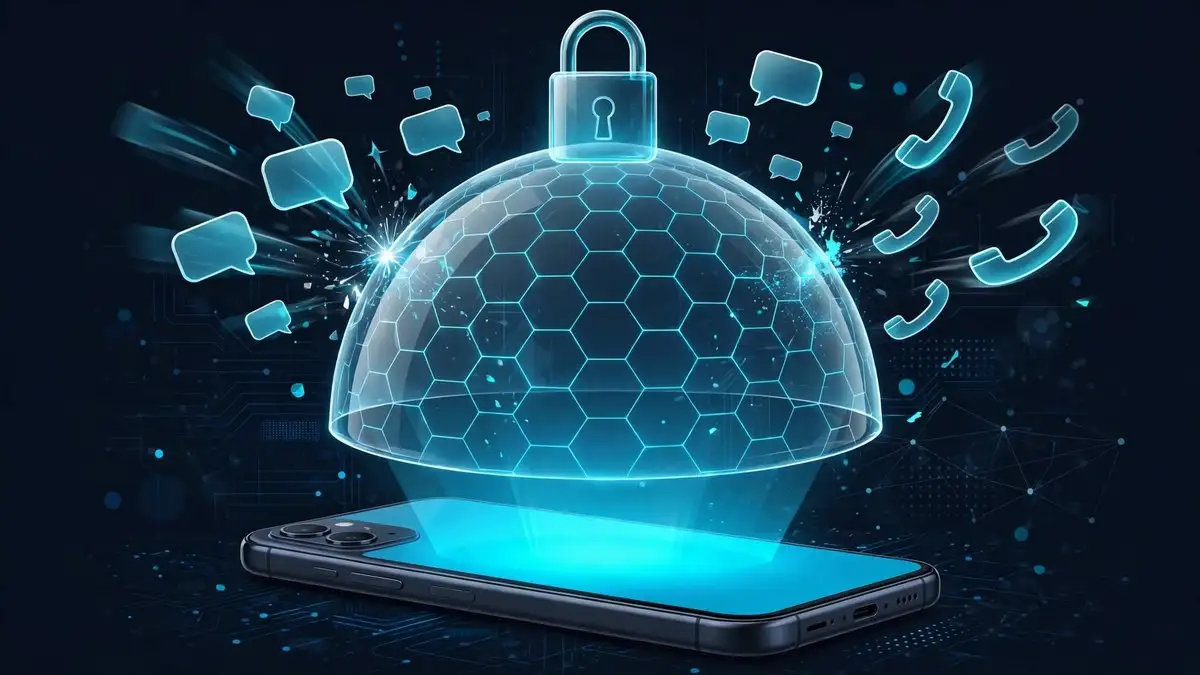
Calif’s Paris demo included a detail that should worry a specific group of people more than anyone else. Alongside the untethered jailbreak, the team showed one-click exploit demonstrations involving Signal and iMessage. Those are message-based attacks, the kind that can reach a phone without the owner tapping anything. Apple has a built-in answer for exactly that threat class, and it has been sitting in Settings since 2022. It is called Lockdown Mode, and most iPhone owners have never turned it on.
This guide explains what Lockdown Mode blocks, what it leaves open, and why it matters after Paris. It also states one limit plainly up front: nobody can honestly claim Lockdown Mode would have stopped Calif’s demo, because Calif has not disclosed the chain. What it can do is shrink the attack surface that message-based exploits depend on, and its track record against real spyware is unusually strong.
Lockdown Mode is for a very small group of targets
Apple describes Lockdown Mode as an optional, extreme protection for the very few individuals who, because of who they are or what they do, might be personally targeted by some of the most sophisticated digital threats. The examples Apple and researchers consistently name are journalists, activists, lawyers, and government employees. Apple says most people will never be targeted by attacks of this nature, and for most people the standard protections in iOS are enough.
That framing matters, because Lockdown Mode is a trade. You give up convenience in several everyday features, and in return you close doors that mercenary spyware companies have actually used. If you are not in a high-risk category, the honest advice is to know the setting exists and leave it off. If you are, it is the strongest built-in defense Apple ships.
How to turn it on
Open Settings, then Privacy and Security, then scroll to Lockdown Mode and turn it on. Your phone restarts, and the restrictions apply immediately. Lockdown Mode is available on iOS 16 or later, with additional protections from iOS 17 onward, so update first if you are running an older version. Turn it on for each device you want protected, and remember that you can switch it off from the same screen if the trade-offs prove too much for daily use.
One practical tip: Lockdown Mode lets you exclude a trusted website from its web restrictions, but treat exclusions as holes you are cutting in your own wall. Exclude a site only when you genuinely need it to work, and only for as long as you need it.
What changes in Messages, FaceTime, and the web
Messages is where the biggest change lands. Most message attachment types are blocked, other than certain images, video, and audio, and features such as links and link previews are unavailable. That sounds annoying, and it is, but attachments and link previews are also two of the most abused paths for zero-click message attacks. An exploit hidden in a file you never asked for cannot run if the file never opens.
FaceTime calls are blocked unless you have previously called that person, and incoming invitations for Apple services, such as managing a home in the Home app, are blocked unless you have previously invited that person. Game Center is disabled, and Focus status may not work as expected.
On the web, certain complex technologies are blocked, which may make some websites load more slowly or not work correctly. Web fonts may not display, and images may be replaced with a missing image icon. Shared albums are removed from Photos, and new shared album invitations are blocked. When the device is locked, wired connections with other devices or accessories are blocked. Configuration profiles cannot be installed, and the device cannot enroll into mobile device management while Lockdown Mode is on.
The track record Apple points to
Apple told TechCrunch that it is not aware of any successful mercenary spyware attack against a device with Lockdown Mode enabled. Amnesty International’s security lab head, Donncha O Cearbhaill, has said his team has not seen evidence of an iPhone being compromised by mercenary spyware while Lockdown Mode was active. Citizen Lab researchers have documented at least two cases where Lockdown Mode blocked real attacks, one involving NSO Group’s Pegasus spyware and one involving Predator spyware. Google researchers have also observed spyware abandoning an infection attempt after detecting that Lockdown Mode was active, apparently to avoid leaving traces.
Read that claim carefully. It does not mean iPhones with Lockdown Mode are impossible to hack. It means that, in the cases researchers have observed, this set of restrictions has held against the most sophisticated commercial spyware. That is a rare record for any consumer security feature, and it is the reason high-risk users are told to switch it on.
What Lockdown Mode cannot do
Lockdown Mode does not patch bugs. A kernel flaw stays a kernel flaw whether the setting is on or off, and a chain that starts outside the hardened surfaces, through a path Lockdown Mode does not touch, is not stopped by it. It does not protect a phone whose owner has excluded untrusted sites, installed a malicious profile before switching it on, or switched it off for convenience. And it does not replace updates. When iOS 27.2 ships, installing it remains the right move for almost everyone, because it carries the security fixes for the bugs researchers have already reported.
There is one exception to that advice, and it belongs to jailbreak watchers, not to the general public. If you are deliberately staying on iOS 27.0.1 or the Duo-only iOS 27.1 in the hope that a future tool appears, updating ends that option, because Apple stops signing older versions within days of a release. That trade-off is yours to make, and it is a security trade-off, not a free one.
The Paris connection, stated honestly
Here is the connection to Calif, and its limit. The one-click Signal and iMessage demonstrations in Paris belong to the message-based attack class that Lockdown Mode is designed to harden. Blocking most attachments, killing link previews, and refusing calls from strangers all raise the cost of exactly that kind of chain. But Calif has not named the vulnerabilities, so no one outside the team knows which entry point the Paris chain used, or whether Lockdown Mode’s restrictions would have intersected it at all. Claiming otherwise would be guessing, and this story has had enough guessing already.
The fair summary is narrower and still useful. Lockdown Mode reduces the number of ways a sophisticated attacker can reach your phone through messages, calls, and the web. It has a documented record of blocking real spyware. It does not make you invulnerable, and it does not answer the specific question of whether Calif’s chain survives iOS 27.2. If you are a journalist, an activist, or anyone else who might be personally targeted, switch it on today and accept the friction. If you are not, keep your phone updated, be suspicious of unexpected attachments, and remember that the setting is there if your risk ever changes.
Related: Calif’s one-click Signal and iMessage demos, our guide for Duo owners staying on iOS 27.1, and how Apple’s secure boot chain works.