
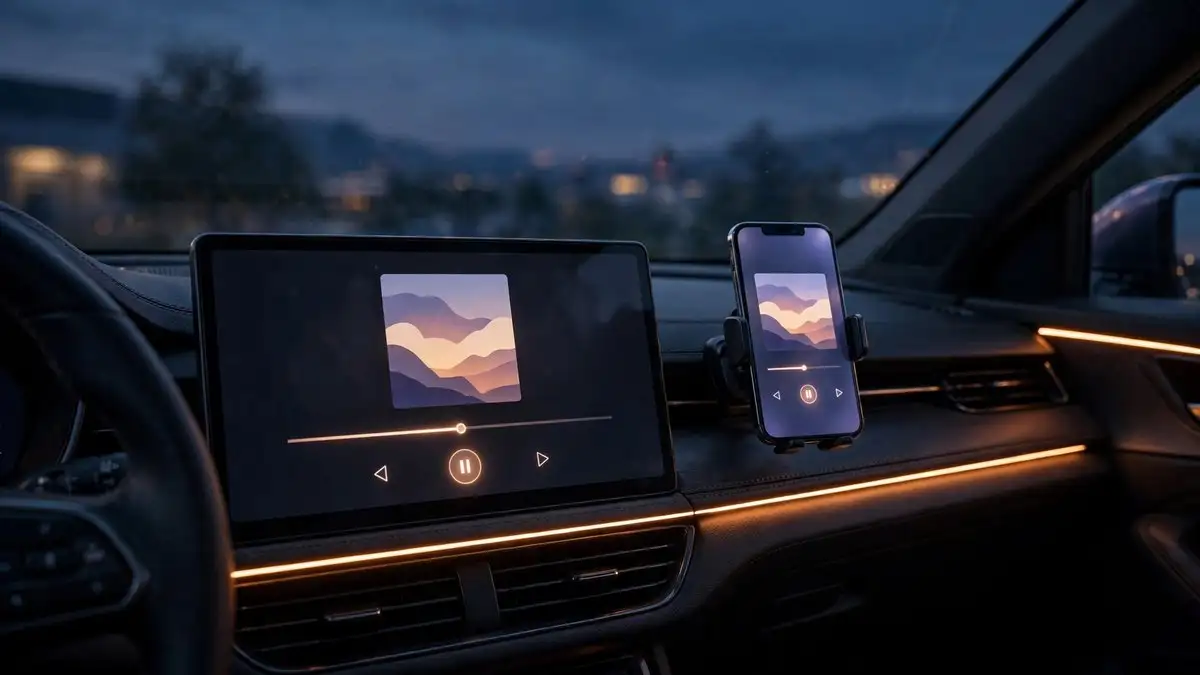
Apple’s iOS 27 update does more than change what is on your iPhone. It also overhauls CarPlay, and this one is genuinely the biggest in-car upgrade Apple has shipped in years. The Now Playing screen finally gets a progress bar and a persistent mini-player, video apps arrive on the dashboard, and navigation apps can share route data with your car. The catch, reported by Engadget on October 18 and corroborated by Artiverse, is that only some of this works on your iPhone. The rest needs newer hardware, or a newer car.
What is new in CarPlay with iOS 27
Start with the screen you look at most. The Now Playing view now has a proper progress bar, so you can swipe to skip forward or back through a song or podcast, plus a persistent mini-player with album artwork and playback controls that stays visible. It is a small change that fixes years of fumbling.
The bigger deal is video. CarPlay’s entertainment support was limited to audio, Apple Music, Spotify, podcasts, but iOS 27 lets video apps run on the vehicle display. Before you imagine highway movie nights: the feature detects when the car is in motion and only works while parked. Start driving and playback switches to audio-only automatically. There is also a real-world caveat. Vehicle manufacturers have to implement support for this themselves, so YouTube or Netflix may not work in your car yet even with the update installed.
Navigation gets smarter too. Apps can now share route data with the vehicle, including EV charging stops, letting the car cross-check arrival times with Google Maps and Apple Maps and suggest places to charge along the route. Add new wallpapers, a more reliable wireless connection, and more accurate GPS location reporting, and the whole experience feels like the polish pass CarPlay has needed for a long time.
The cutoff: which iPhone gets what
Here is where it gets complicated. iOS 27 itself runs on the iPhone 11 and later, so older phones get the update. But the headline feature, Siri AI inside your car, needs much newer hardware: an iPhone 15 Pro, or an iPhone 16 or later.
| Feature | iPhone 11 to 14 | iPhone 15 Pro, 16 and later |
|---|---|---|
| Mini-player and progress bar | Yes | Yes |
| New wallpapers | Yes | Yes |
| Route data sharing | Yes | Yes |
| Video apps (parked, car support needed) | Yes | Yes |
| Siri AI in CarPlay | No | Yes |
An iPhone 14 owner, for example, gets the mini-player, the progress bar, and the new wallpapers, but not the new Siri experience. And there is a regional catch: Siri AI is not available in the European Union due to local regulations, so even a compatible iPhone in Europe gets the CarPlay upgrades without Siri AI.
Why the cutoff exists: CarPlay runs on your phone
The hardware gate is not arbitrary. CarPlay runs entirely on your iPhone, not on the car’s head unit, so an older phone physically cannot power the on-device AI that Siri AI needs. The same logic applies on the main system: the Siri AI features demand the A17 Pro class of chip and 8GB of RAM that Apple’s on-device intelligence requires. Your car’s screen is a display. Your phone is the computer.
Check your setup in two minutes
If you have already updated to iOS 27, the check is quick. First, confirm your iPhone model: Settings, General, About. If it says iPhone 15 Pro, 15 Pro Max, or any iPhone 16, 17, 18, or Duo, you get the full CarPlay experience. If you are on an iPhone 14 or older but an iPhone 11 or newer, you get everything except Siri AI. Below iPhone 11, CarPlay keeps working exactly as it does today.
Second, check the car side. Video apps need manufacturer support, so check your carmaker’s documentation or infotainment update notes before expecting video on the dashboard. For more on what Siri AI can actually do, our guide to 11 things to try first covers the feature set and compatibility, and the iOS 27.2 beta walkthrough has everything new in the next point release.